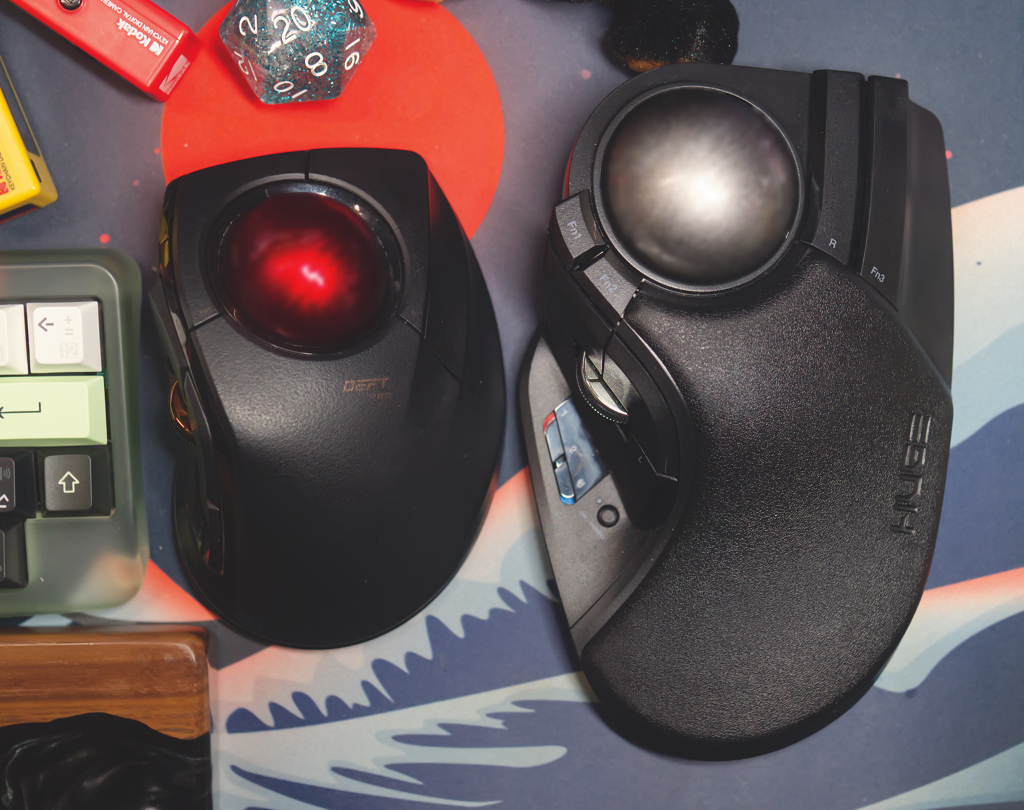
I know, that’s quite the accusation to put in the title, especially since Elecom claims the body of the mouse supports your “entire wrist and palm.” After all, the Elecom Huge is… huge. It takes up so much desk space! But it’s not bigger than a medium-sized hand. In fact, it’s closer to a small hand size, going off the sizing for the nitrile gloves sitting by my desk. That one detail is worth mentioning right away because it ruins this otherwise incredible trackball. But if you wear a size medium in your gloves, or large for women’s gloves, have a hand that’s over 165mm (6.5in) from middle finger to the end of your hand, you might want to consider a different trackball.
Let’s back up, talk about what makes this trackball great, and why you may want to only order it if you frequently hear about how small your hands are. Oh, god, I’m not doing this review for Tiny Hands Trump, am I? Of course not, he can’t read. But if you’re over 5’7″ of any gender and have never been told your hands look disproportionately small, chances are, this trackball might be too small for you
In This Article:
Specs
- Buttons: 10, including scroll wheel and tilt scroll
- Connection types: USB-C, 2.4Ghz wireless dongle, Bluetooth
- Trackball size: 52mm
- DPI settings: 500, 1000, 1500dpi
- Bearings: stainless steel ball bearing rollers (option to swap out for synthetic ruby static bearings)
- Power: Rechargeable and replaceable lithium ion battery, up to 5 months of charge on low power, 3 on high power
- Dimensions: 4.5 x 7.2 x 2.3 inches
- Weight: 10.3oz
Ergonomics
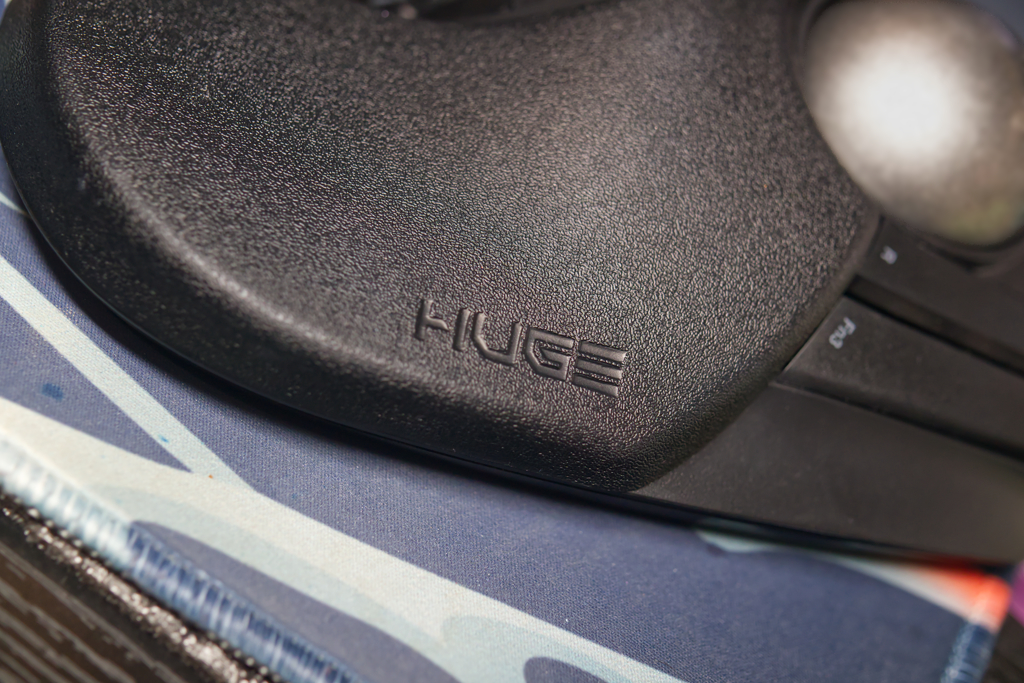
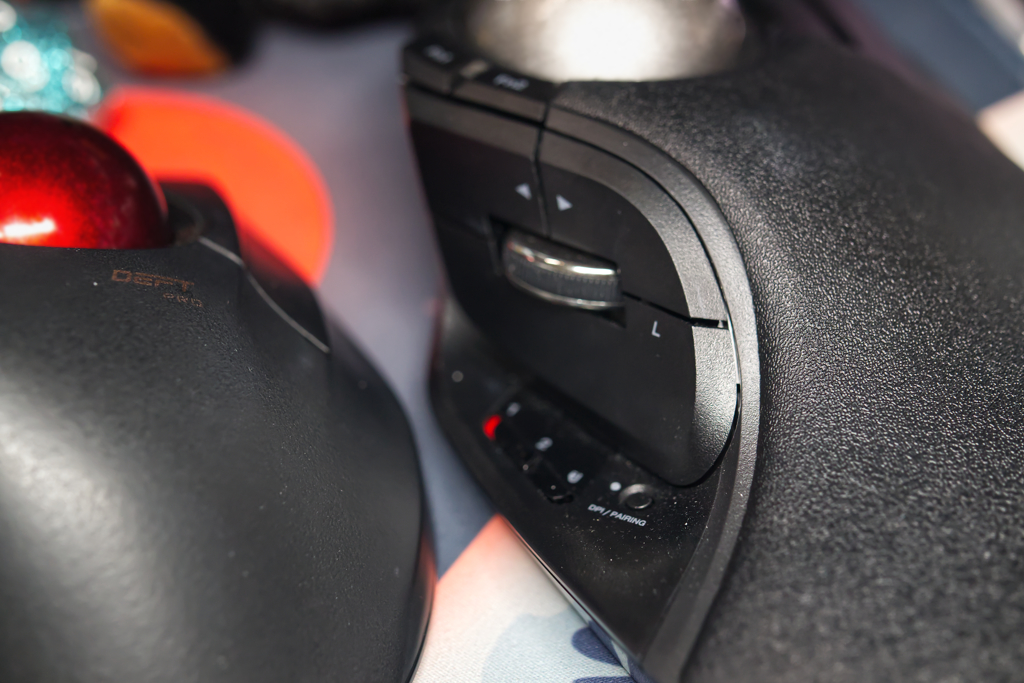 I’ll start with the good. The trackball is big, the bearings are smooth, and the button layout is nice. This is like an extended and slightly flatter version of the Microsoft Trackball Explorer, one of the most popular trackballs ever made. This is a good foundation for the Electom Huge Plus. However, everything else about it makes it a literal pain to use. The wrist rest is too small to support your wrist, leaving the base of my hand by my wrist hanging off the back. As a result, it puts a lot of pressure on my wrist, as the joint isn’t supported at all. Meanwhile, your hand lays flatter on this, as opposed to a more ergonomic tilt. That pressure, especially at that angle, leads to pain. I had to wear a wrist brace for a day the first time it started hurting from using the Elecom Huge Plus. It took about 5 days to get over the pain the second time it hit, and I had, of course, stopped using the “Huge” once and for all. It has a permanent spot in my junk drawer now.
The Elecom Huge is too damn small, and as a result, most people would find it uncomfortable to use. I wish it wasn’t true, this is such a cool trackball, but take my word for it, it’s far too small to be usable for people with average to large sized hands.
Customization
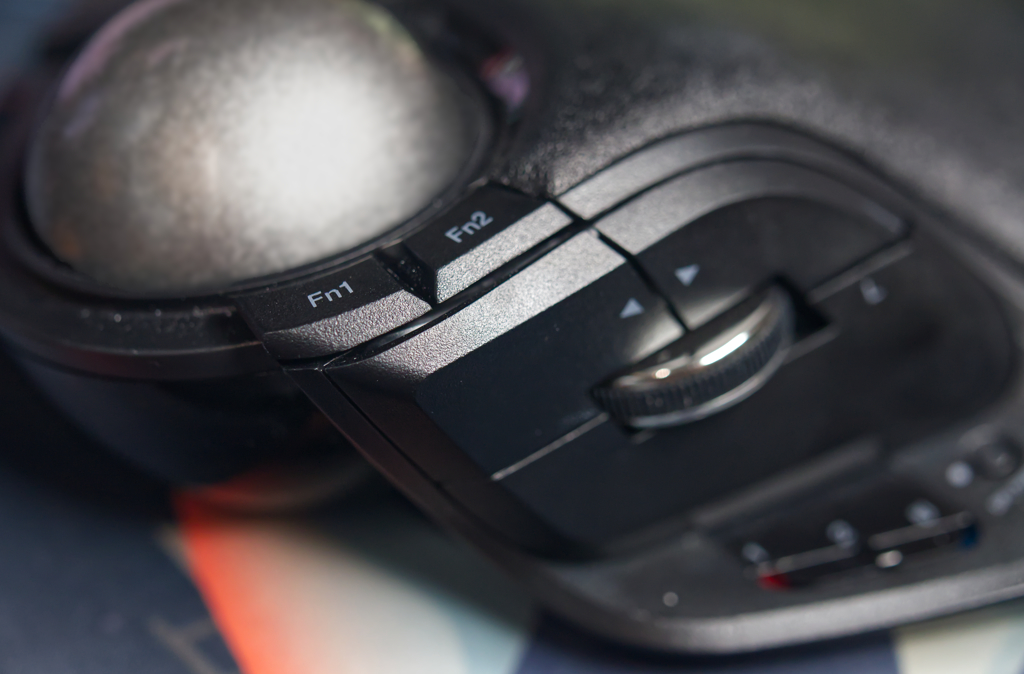 Any trackball or mouse with this many buttons is going to be customizable to your heart’s desire, as long as you are willing to get the right software for it. For mice and trackballs that don’t have QMK support like Ploopy’s offerings, the next best thing is an app called Steermouse. Steermouse lets you customize buttons and create “Chords,” which, much like the chords on a guitar, are played by combining multiple inputs. Notes for music, mouse buttons for your trackball. You can sort of use it like layers on a keyboard. If you haven’t customized that before, think of it like holding down command on your keyboard and pressing another key to do something other than typing a letter.
With the sheer number of buttons, connection types, physical DPI switch, and tilt wheel scrolling, the Elecom Huge is highly customizable. You can also use Elecom’s software, which has improved since the first Elecom trackball I reviewed, but I still recommend the high customization capabilities of Steermouse. You can make your Elecome Huge exactly what you want with the right software. However, in the future, Elecom’s own software may be the better choice, as Elecom will add on-device storage capabilities. Still, I’d prefer all pointing devices used the same tactic as Ploopy, and allow customization through highly configurable Via-compatible QMK firmware that stays on the trackball even when connecting to other devices.
Outside of software, Elecom has begun using the same bearing system they use in their IST trackballs. This means you can buy a bearing module and swap it out. If you prefer static ruby ball bearings to the roller bearings (really?), you can simply buy the module for $14.99 from their website and do the swap yourself. Elecom even includes a tool to remove the bearings in the device itself, in the battery compartment.
Connections
The Elecom Huge Plus is part of Elecom’s new push to make the best trackballs. This includes combining their “Pro” lineup’s features with those from their IST lineup, with replaceable bearings. The Elecom Huge Plus will connect and charge via USB-C. There’s also an included 2.4GHz dongle in the battery compartment, and Bluetooth. There’s only one Bluetooth connection, so, really, you could connect this up to potentially three different devices at once, switching using the switch in the thumb rest area on the left side. I’d use the 2.4GHz dongle with my work computer and Bluetooth with my personal computer, making switching between the two at the end of my work day a quick toggle on the switch. It’s convenient and I had no issues with it.
Battery Life
I didn’t have to think about battery life while testing this. That’s because Elecom added a new lithium ion battery to their trackball that can give the trackball anywhere between 3 to 5 months of battery life, depending on what accuracy and power consumption levels you choose. However, this does come with a drawback. While you have to replace the batteries on Elecom’s other trackballs more frequently, they take AA batteries, so you can simply swap with rechargeable batteries. What happens when this lithium ion battery goes bad? Well, fortunately, it’s replaceable. However, you’ll have to remove a sticker—voiding your warranty—to do so. Currently, you can’t buy the battery replacement yourself, but you could contact support to see if they will either replace the battery or send you a replacement.
This is the way batteries should be, minus the ridiculous warranty issue. You should be able to swap out your lithium ion battery in any device that you have one in seconds. Your phone, a trackball mouse, a keyboard, it doesn’t matter. All batteries should be easy to recycle and replace. It’s absurd we’ve allowed electronics manufacturers to go on so long screwing the public over. While Elecom could be commended for this new battery design, putting a sticker over it and voiding the warranty if anyone has to replace their battery as it may get worn out or damaged over time is absurd. There should be nothing stopping users from swapping out their battery.
The battery life lasts months on this trackball, so you likely won’t have to replace the battery. I never ran the battery down, as I had to replace the Elecom Huge Plus trackball mouse due to the wrist pain it caused with its small palm rest area long before I had to recharge the battery.
Overall
If only it was “huge”
I wanted to love this trackball. It’s a big ball, has new bearings that make it extra smooth, and the button layout is great. It seriously could have been one of my favorite trackball mice, had it not been for the terrible wrist rest design. I’ve thought about creating an extension for it out of foam, but even then, I don’t think I could ever cut it just right, and it doesn’t feel necessary when there are better trackballs on the market. Hell, Elecom makes the best alternative to this, the Elecom Deft Pro! The Elecom Huge not for anyone with a slightly larger than average or even “medium” hand size. If you want this mouse in a package that works better for people with medium to large hands, go for the Deft Pro Meanwhile, my favorite Elecom trackball is still the EX-G Pro, which I had to use while my wrist recovered. It’s still the best mouse I have for wrist comfort, after adding Elecom’s tenting stickers to give it an extra few degrees of tilt.
I hurt my wrist using the Elecom Huge Plus twice before I admitted that it was not the trackball for me, don’t make the same mistake I did, avoid this one.